Compliance🛡
NIS2 does not give you a checklist of identity controls. It asks you to manage your cyber risks, and it names access control explicitly as one of the measures, next to multi-factor authentication. It also makes management accountable for those measures.
In practice, that turns into questions. From your auditor, from your board, sometimes from your own customers. And they almost always come down to the same thing: who has access to what, and can you prove it?
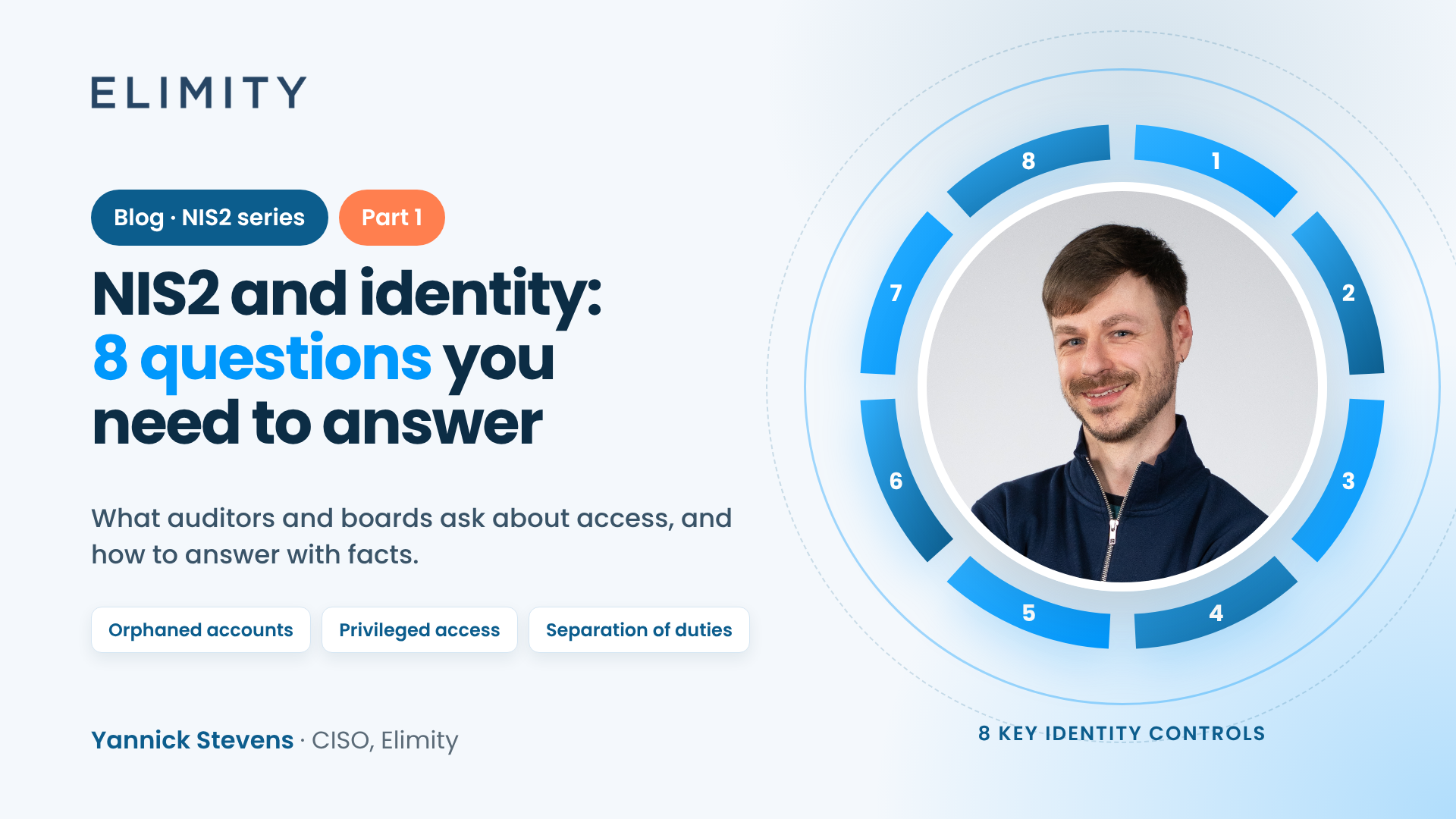
As CISO at Elimity, these are the questions I would make sure you can answer. They follow the eight categories of our guide "The 8 Crucial Identity Security Controls for NIS2 Compliance".
1. Which accounts no longer have an active owner?
Orphaned accounts are an easy way in for attackers. Think of accounts of people who left, contractors whose project ended, or accounts nobody has used in months.
What to look at:
- Dormant accounts: no login for a set period (90 days is a common threshold for standard accounts)
- Accounts that were never used since they were created
- Accounts that do not belong to any active employee
- Accounts with a status such as "retired" or "inactive" that still have access
2. Who has privileged access, and does all of it need to be there?
You cannot remove every privileged account. You need them. But you should know exactly where they are and keep them to a minimum.
What to look at:
- Administrator accounts
- "Stealthy" admins: accounts with admin rights that are not labelled as admin
- Privileged service accounts
- Accounts with far more roles or permissions than average (a common rule of thumb: more than twice the average)
3. Who has more access than their job requires?
Every extra permission enlarges your attack surface. Access tends to pile up when people change roles, and it rarely gets removed.
What to look at:
- Peer outliers: people with more access than colleagues in the same role
- Accounts that deviate from the expected profile for their job
4. Is your identity landscape clean?
Clutter makes everything harder to control: reviews take longer and risks hide in the noise.
What to look at:
- The number of accounts compared to the number of employees
- Empty accounts without any roles or access
- Test, duplicate and shared accounts
5. Is your role model still manageable?
Roles make access efficient, until there are too many of them. A common rule of thumb: the number of roles should stay below 10% of the number of accounts.
What to look at:
- Empty roles and roles that nobody has
- Roles assigned to only one person
- Permissions given directly instead of through a role
6. Can you trust your identity data?
Garbage in, garbage out. Every indicator above is only as good as the data behind it.
What to look at:
- Employees without a manager or department
- Roles, permissions and applications without an owner or a clear description
7. Can one person both approve and execute?
Separation of duties prevents fraud and mistakes. Someone who can approve a payment should not be able to execute it as well.
What to look at:
- "Toxic" combinations of roles or permissions within one application
- The same combinations across applications and accounts
- Combinations nobody has decided on yet
8. Do you comply with your own policies?
NIS2 also expects you to follow the rules you set yourself.
What to look at:
- People with sensitive permissions who have not completed the required training
- Accounts with expired passwords, if you enforce password expiry
Answering once is not enough
NIS2 is not a one-time project. The questions come back at every audit, every board meeting and every incident. That is why the answer has to be easy to produce again tomorrow, and to compare with last quarter.
My advice: report to management at the level of these eight questions, and only go into detail where something needs attention.
How to answer without a spreadsheet project
Most teams still answer these questions with exports from Active Directory, HR lists and days of matching in Excel. By the time the answer is ready, it is already out of date.
Elimity connects to your identity sources read-only, so nothing is written back. You typically see your users and their access within days, not months. And since October, you can ask these questions directly in Microsoft Copilot, Claude or ChatGPT, and see the query behind every answer.
Get the full guide
All eight categories, with the metrics behind them, are in our free guide "The 8 Crucial Identity Security Controls for NIS2 Compliance", together with a canvas to track them.
Next in this series: the questions behind DORA.
See it live: ask your identity data in Copilot, Claude or ChatGPT. 21 October, 4:00 PM CET
Related article: IAM evidence for NIS2, DORA and ISO 27001 within 15 seconds